Amazon 6-Digit Code: Check Sign-In or Delivery

25% off on product page · save $3.33
Amazon 6-Digit Code: Check Sign-In or Delivery

Where to Find Your Amazon 6-Digit Code
First, check what you were doing when Amazon asked for the code. A six-digit code may be a sign-in verification code or a one-time password (OTP) for a delivery, and the place to find it depends on which one you need.
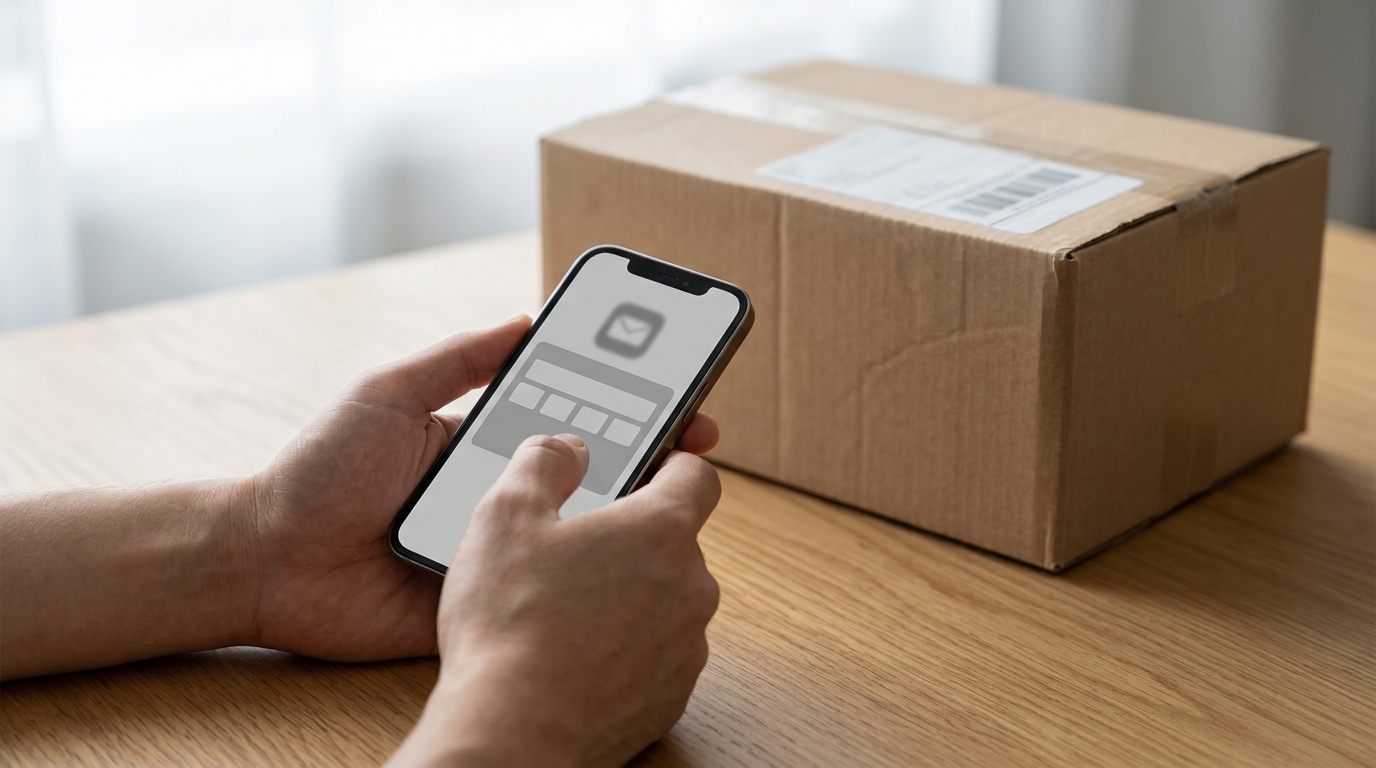
If You’re Signing In
Amazon may send a verification code to the phone number or email address associated with your account. Check your text messages and inbox, including spam or junk folders, and use the most recent code you requested. Enter it only on the Amazon sign-in screen you opened yourself; never share it with someone who contacts you unexpectedly.
Featured in this guide
Deal Days Made Easy: Your Step-by-Step Guide to an Amazon Promo Code Calendar | Digital Download eBook for How to Create a Promo Code Calendar for Amazon Deals | Printable & Digital Guide, Checklist, and Case Studies
If You’re Receiving a Delivery
Some orders require a delivery OTP before the driver can hand over the package. Open Amazon’s app or website, go to Your Orders , and select the order to check its tracking or delivery details. Amazon may also send the code by email or text; give a delivery OTP to the driver only when they are at your address with the package.
If the Code Hasn’t Arrived
Confirm that you’re checking the email address or phone number on the relevant Amazon account, then look for a newer message if you requested the code more than once. For a sign-in code, use the resend option on Amazon’s sign-in screen if it appears. For a delivery code, review the specific order and its messages rather than requesting a sign-in code, which will not work for delivery.
Check the Order, Not a Promotion
A verification or delivery code is different from a promotional code used at checkout. If you’re looking for savings rather than a security code, see our Amazon promo code calendar guide. Before entering any code, check whether the screen asks you to verify your identity, complete a delivery, or apply an offer.
FAQ
Where can I find my Amazon OTP?
Open the relevant order in Your Orders and review its tracking and delivery details. You can also check Amazon messages sent to your account email or phone.
Where can I find the 4-digit delivery PIN for Amazon?
Check the delivery details for the specific order in Your Orders, along with any related email or text from Amazon. Use the PIN shown for that delivery, not a sign-in verification code.
What is the 6 digit code for Amazon?
It may be a sign-in verification code or a delivery OTP. The request on your screen or in your order details will tell you which type Amazon needs.
Why is Amazon giving me a code for delivery?
Amazon may require an OTP to confirm that a package is handed to the recipient. Share it with the driver only when they arrive with the package.
How to get Amazon code for delivery?
Check Your Orders for the shipment’s delivery details and review messages sent to your account email or phone. If no code appears, contact Amazon through the order’s help options.
See if Deal Days Made Easy: Your Step-by-Step Guide to an Amazon Promo Code Calendar | Digital Download eBook for How to Create a Promo Code Calendar for Amazon Deals | Printable & Digital Guide, Checklist, and Case Studies fits your setup













Leave a comment