Where to Find Your Amazon Code: A Guide by Code Type

25% off on product page · save $3.33
Where to Find Your Amazon Code: A Guide by Code Type

Where should I look for my Amazon code?
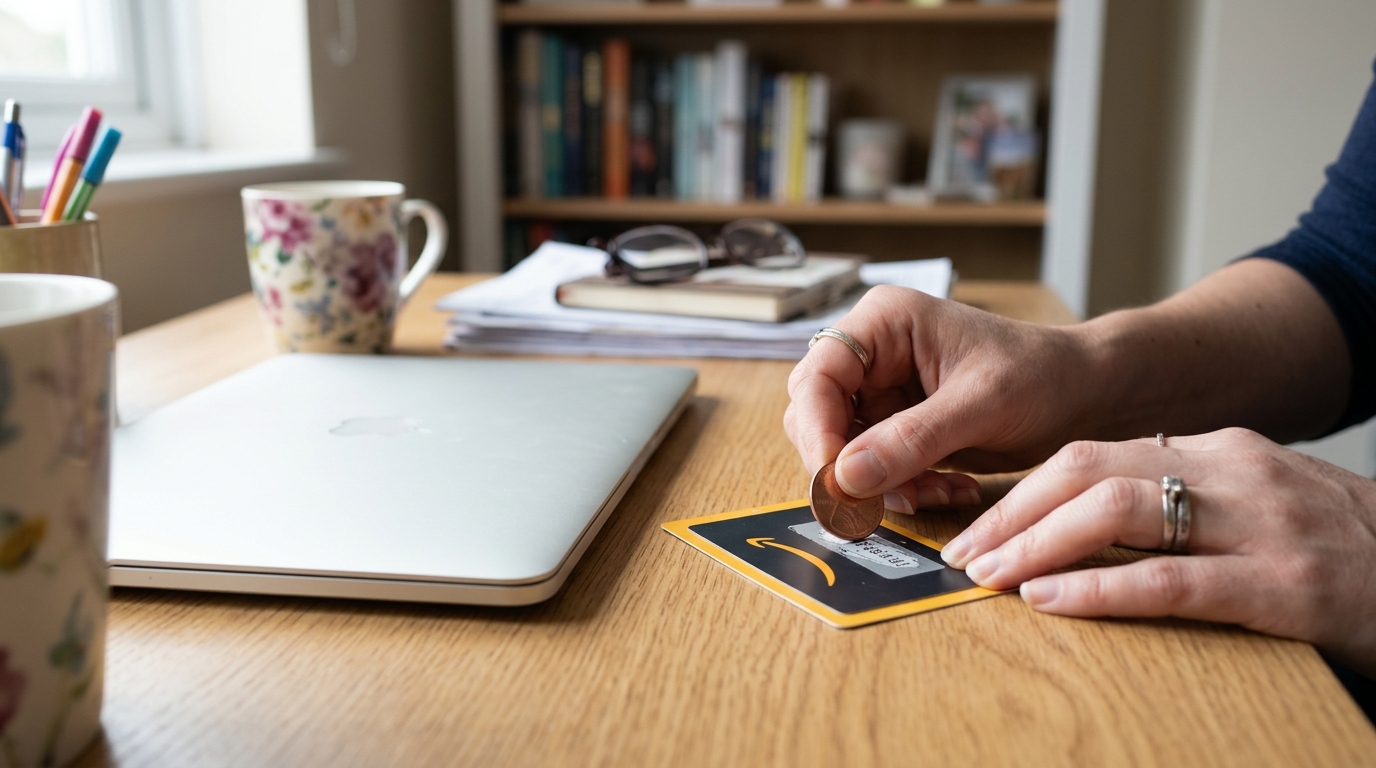
Start with the message or account area tied to what the code is for. A promotional code may appear in an offer email or on a deal page, while a gift card claim code is usually in the gift card email or on the physical card. Check the code’s label before using it: a gift card claim code belongs on the Gift Cards redemption page, not in the promotional-code box at checkout.
How do I find a promotional or discount code?
Search your inbox for the retailer or offer that sent the promotion, then check the message for a code, expiration date, and eligible products. Some Amazon offers do not have a code at all; you may need to select a coupon on the product page for the discount to appear at checkout. For help planning around different types of offers, see the Amazon promo code calendar guide.
Featured in this guide
Deal Days Made Easy: Your Step-by-Step Guide to an Amazon Promo Code Calendar | Digital Download eBook for How to Create a Promo Code Calendar for Amazon Deals | Printable & Digital Guide, Checklist, and Case Studies
Where is a sign-in verification code?
If Amazon asks for a one-time verification code, check the text messages or email associated with your account. The code may arrive a little later than the sign-in prompt, so confirm that you are checking the correct phone number or inbox before requesting another one. Enter it only on an Amazon sign-in screen you opened yourself, and never share it with someone who contacts you unexpectedly.
What if the code is for a return or a device?
A return QR code is normally available through Your Orders after you select a return method; check the return confirmation email as well. A Fire TV Stick registration code serves a different purpose: it appears during device setup and is entered at the address shown on your TV. If you cannot find either code, reopen the relevant return or setup steps rather than trying a checkout promo-code field.
FAQ
Where can I find my Amazon code?
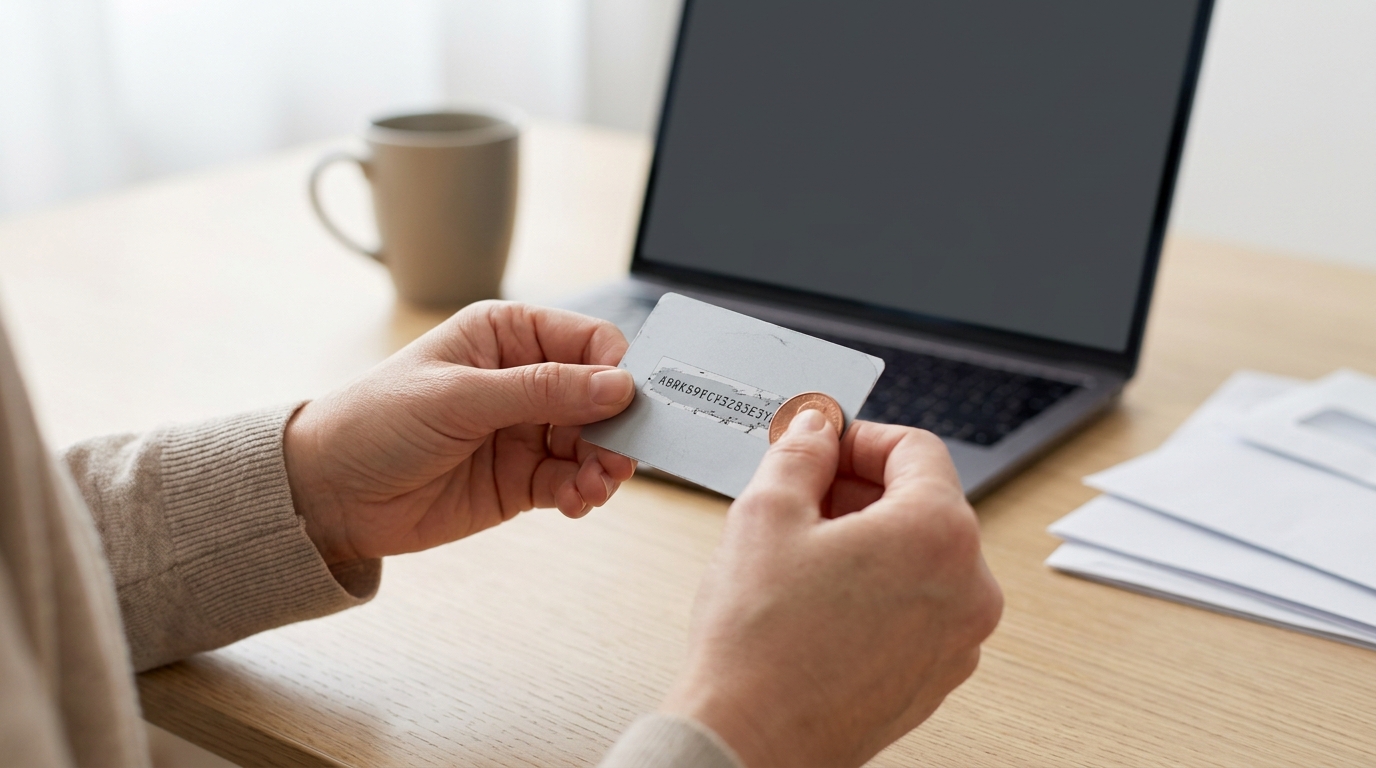
Look in the email, text, product offer, or account page connected to the code’s purpose. For a gift card, check the gift card message or the claim-code area on the physical card.
Where do I find my 6 digit code for Amazon?
A six-digit sign-in code is typically sent to the phone number or email address associated with your account. Check that destination and request a new code on the sign-in screen if the first one does not arrive.
Why isn’t my Amazon QR code showing up in my email?
The return method you selected may not use an emailed QR code, or the message may have landed in your spam folder. Open the return details under Your Orders to check the instructions and any available QR code.
See if Deal Days Made Easy: Your Step-by-Step Guide to an Amazon Promo Code Calendar | Digital Download eBook for How to Create a Promo Code Calendar for Amazon Deals | Printable & Digital Guide, Checklist, and Case Studies fits your setup













Leave a comment